DESIGNEUR / CHRISTMAS COLLECTION
Christmas.
Your way.
Snow-soft whites, opal light, frosted detail and richer festive colours. Sixteen original artworks, with room for your everyday readings.
Try the interactive preview before installingAvailable free on Connect IQ. Confirm your exact watch under Compatible Devices before installing.
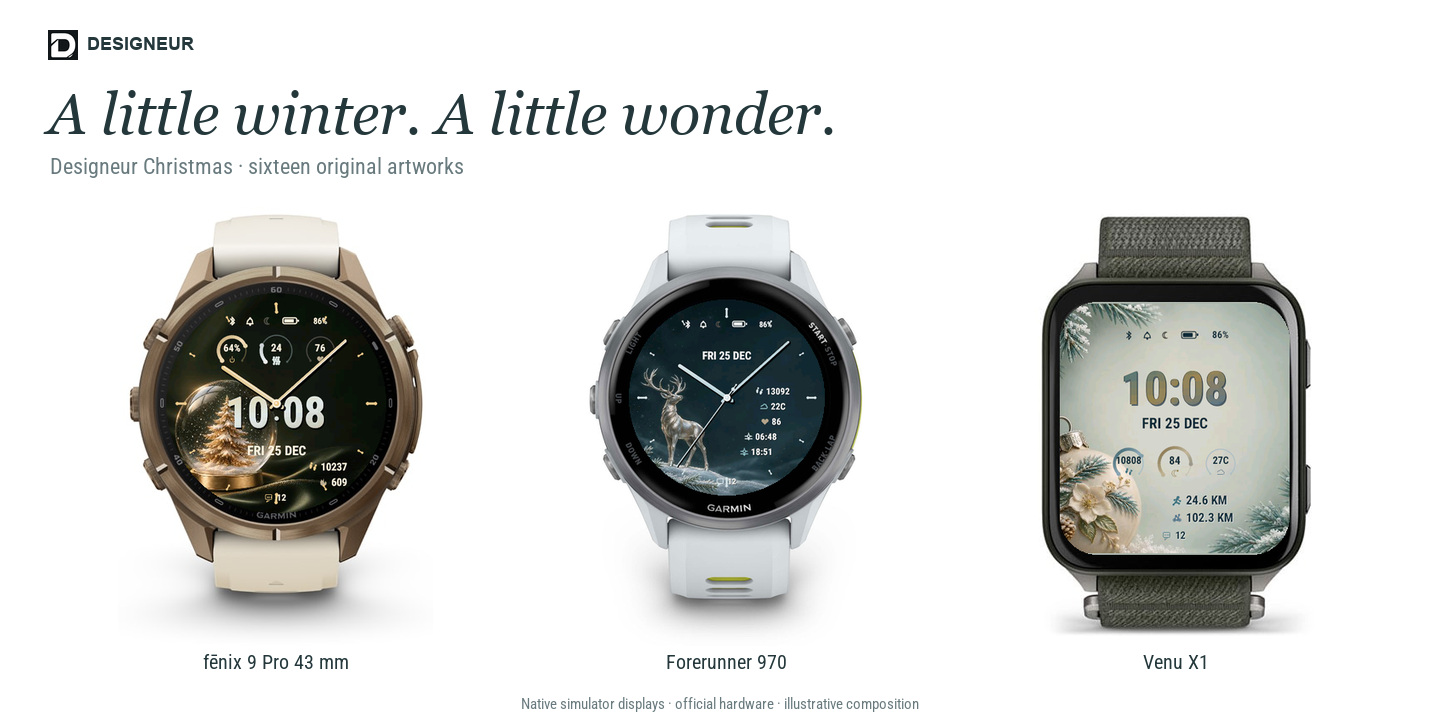
CHRISTMAS / YOUR EVERYDAY VIEW
Your winter.
Your rhythm.
Sixteen Christmas looks, with coordinated colours and the details you choose.
Explore the presets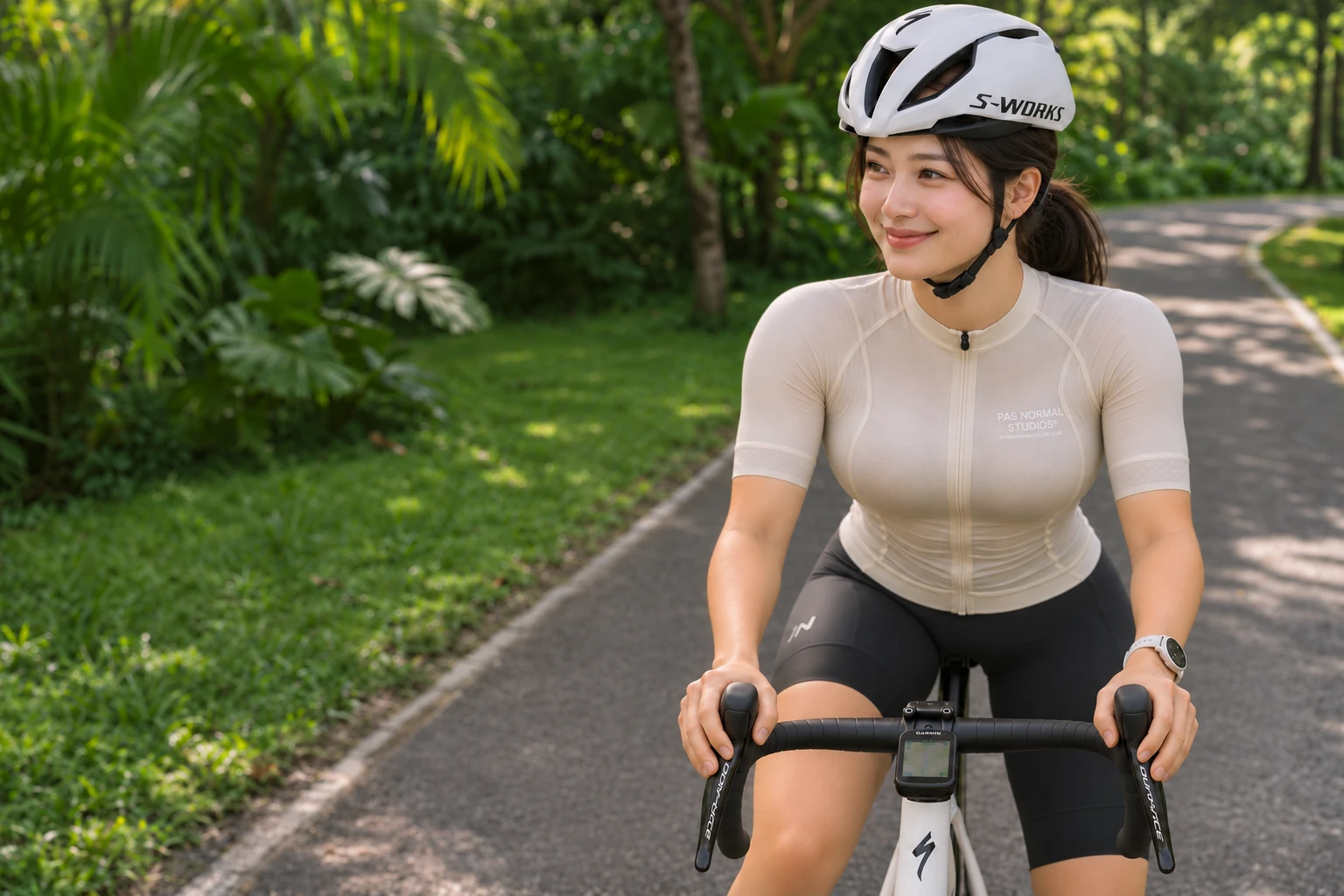
02 / FROM ARTWORK TO WATCHFACE
Captured examplesA closer look
at Christmas.
Explore the collection through simulator displays, settings and sizing examples. The Studio contains all sixteen artworks.
The models shown are fēnix 9 Pro 43 mm, Forerunner 970 and Venu X1. Christmas supports the same current device groups as Core. Confirm your exact watch under Compatible Devices on Connect IQ.
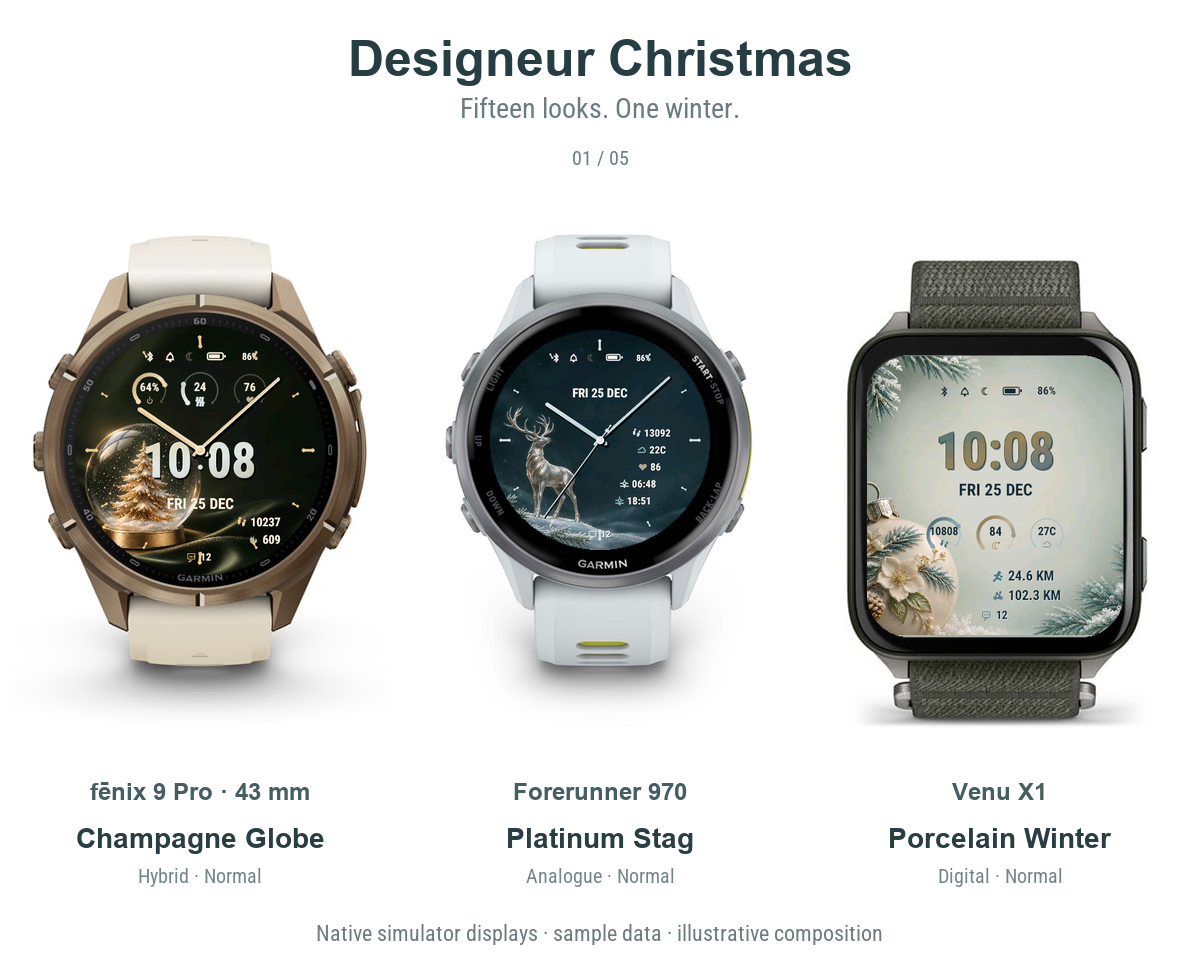
Fifteen looks. Three formats.
Fifteen captured looks across matching watch frames. Readings vary between examples; the still view shows the first state.
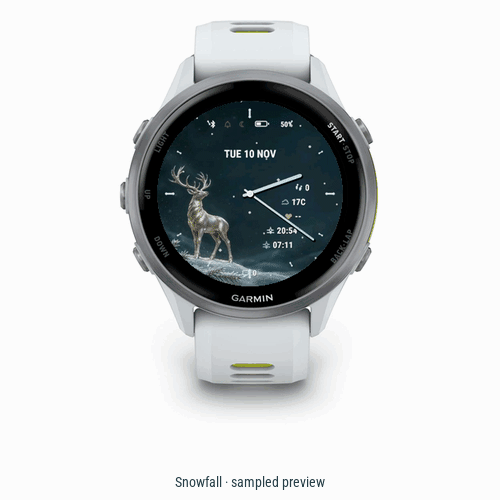
A little snowfall.
Captured stages of Snowfall, shown as a sampled Garmin simulator preview.
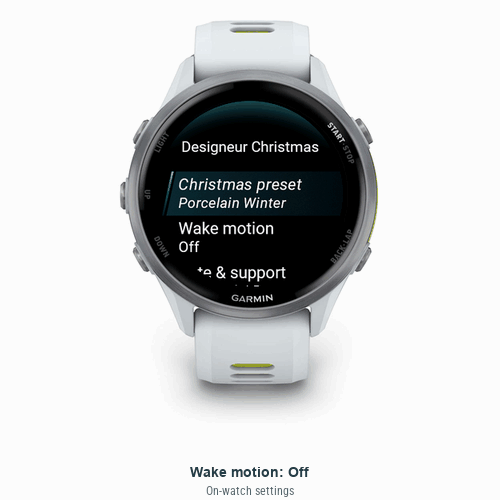
Choose it on your watch.
Actual on-watch settings captures, arranged as an edited selection sequence.
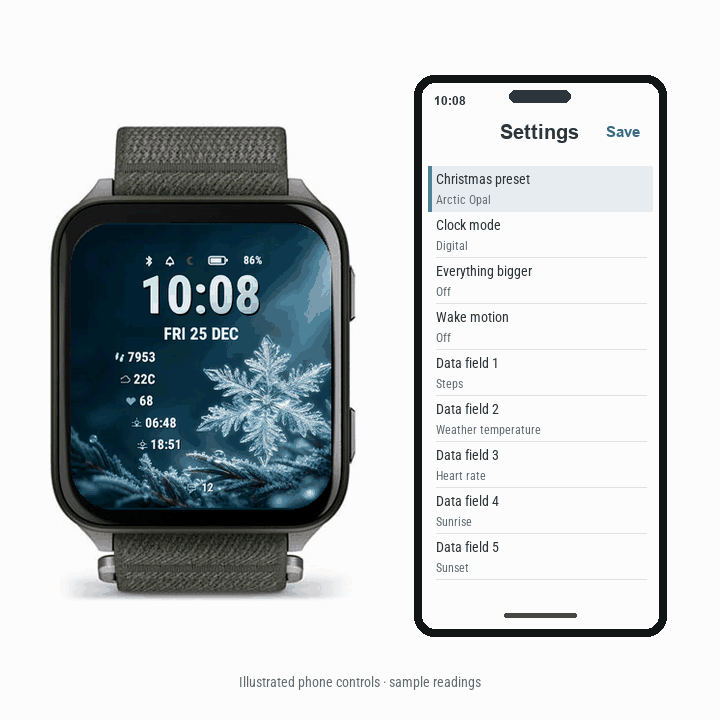
A little guidance, by phone.
Illustrated phone settings beside native watch previews. Readings are samples.
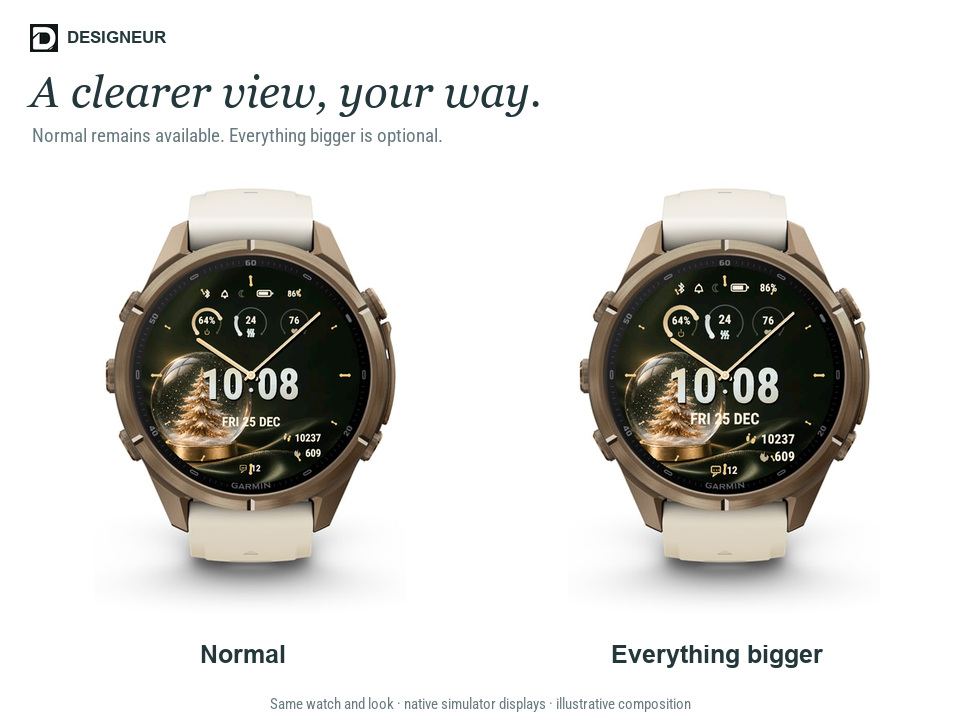
A clearer view, your way.
Normal and Everything bigger, with the same look and readings in both native examples.
Simulator examples are shown in product frames. They do not establish physical-watch or live-sensor results. Phone settings are illustrated. Still previews show the first captured state.
03 / THE NEXT STEP
Bring winter
to your wrist.
Version 1.1.18 · Free on Connect IQ
Choose from sixteen looks, five independent data positions and optional Everything bigger. Wake motion follows the selected theme by default, with coordinated colours and Gentle, Celebration or Snowfall effects of up to three seconds. Off and manual choices are available. Previous Off settings switch to Follow theme on update; select Off again if preferred. Existing manual effects stay selected.
Motion stops in sleep and Always-On. Available readings depend on your watch and Garmin data. Normal remains available, and saved field choices stay selected when changing presets.
Get Christmas on Connect IQ Back to the preview Explore Designeur Core
Made for compatible
Garmin watches.
Search the Christmas device list below. Garmin’s Connect IQ listing is the final check for availability on your exact watch.
Loading model list…
Verify on Connect IQSupport is specific to the listed models and variants. Other Garmin watches are not implied to be compatible. Data availability and settings can differ between devices.
- 01
Check your model
Open the Christmas listing in Connect IQ and confirm compatibility with your connected Garmin watch.
- 02
Install and sync
Select Download in Connect IQ, then allow your watch to sync. Keep your phone and watch connected.
- 03
Make your adjustments
Open Christmas’s settings in Connect IQ or use the supported on-watch settings. Choose your preset, clock mode and data fields, then save and sync.
Is Designeur Christmas free?
Christmas is free on Connect IQ.
Will the preview save to my watch?
No. This website shows an illustrative design preview with sample data. Install Christmas and use its settings in Connect IQ or on your compatible watch to apply your choices.
Why is a reading missing or different?
Readings depend on the watch, supported Garmin data, permissions, connection and available history. Some data can be unavailable or delayed. Check your device and app settings first.
How do I report a problem?
Email admin@designeur.com with your watch model, watch software version, Christmas version and the steps that reproduce the issue. A photo or screenshot can help. Please do not send passwords or sensitive health information.
RELEASE NOTES
Christmas updates.
Version 1.1.18

• Wake motion follows each Christmas theme, with coordinated colours.

• Follow theme is now the default. Previous Off settings switch to Follow theme; select Off again if preferred. Existing manual effects are retained.

Version 1.1.17

• Added Gentle, Celebration and Snowfall wake effects, with Off.

• Added optional Everything bigger and common new/reset default readings.

• Refined floating layouts and expanded supported devices.

• Minor bug fixes.

Version 1.1.5

• First Christmas release with 16 coordinated looks.

• 3 clock modes, 5 customisable data positions and 10 font choices.

• On-watch and Connect IQ settings.